Vehicle technology spans the screen you touch, the sensors you may not see and the services connected to the car. A useful system should communicate clearly and support the driver without asking for misplaced trust.
Interfaces that make sense
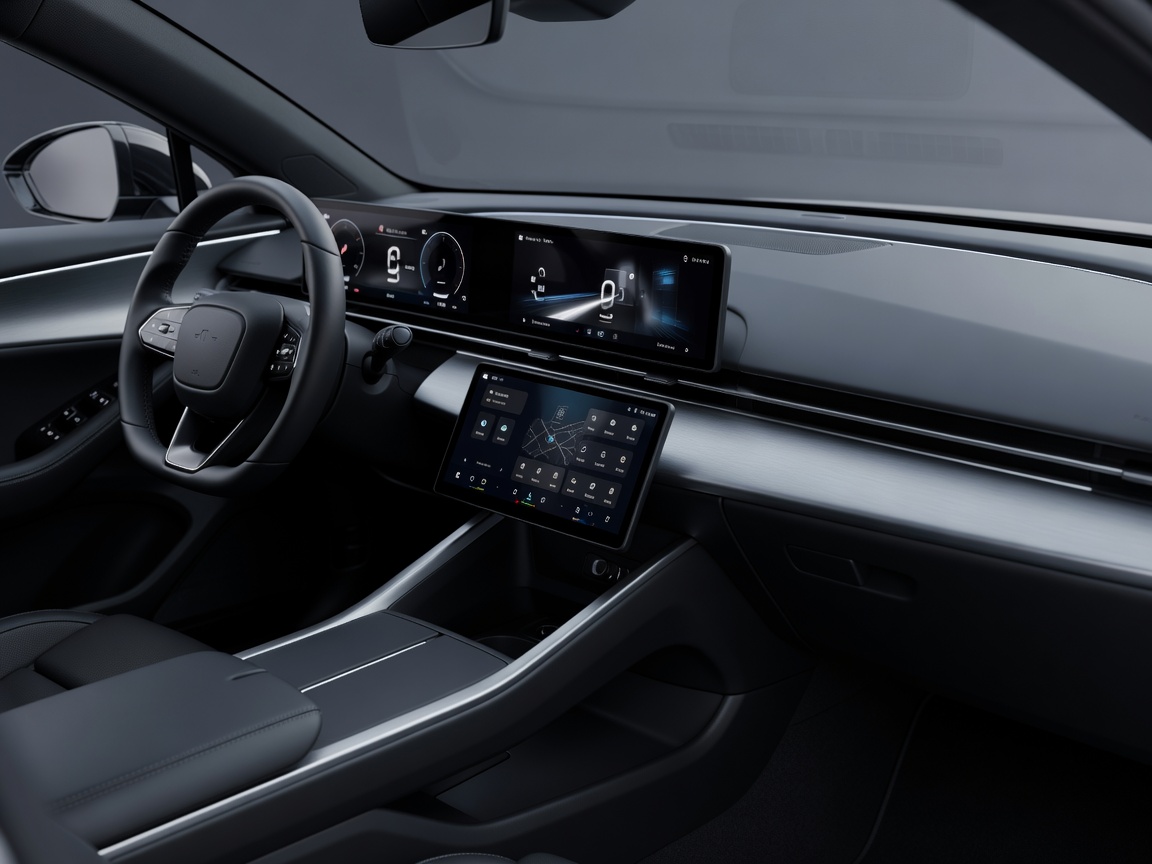
Infotainment combines information and entertainment functions, commonly including audio, phone connections and vehicle settings. Digital instrument displays present driving information in a screen-based format; a head-up display projects selected information into the driver’s field of view. These systems can be helpful when their hierarchy is clear, but small text, deep menus and inconsistent controls can increase distraction.
Try common tasks while the vehicle is parked: adjust climate, find a destination, change audio and connect a phone. Check whether frequently used functions have direct controls, whether menus are predictable and whether the screen responds consistently. Smartphone integration can make familiar apps available, but phone compatibility, software versions and available functions may differ.
Navigation and connected services
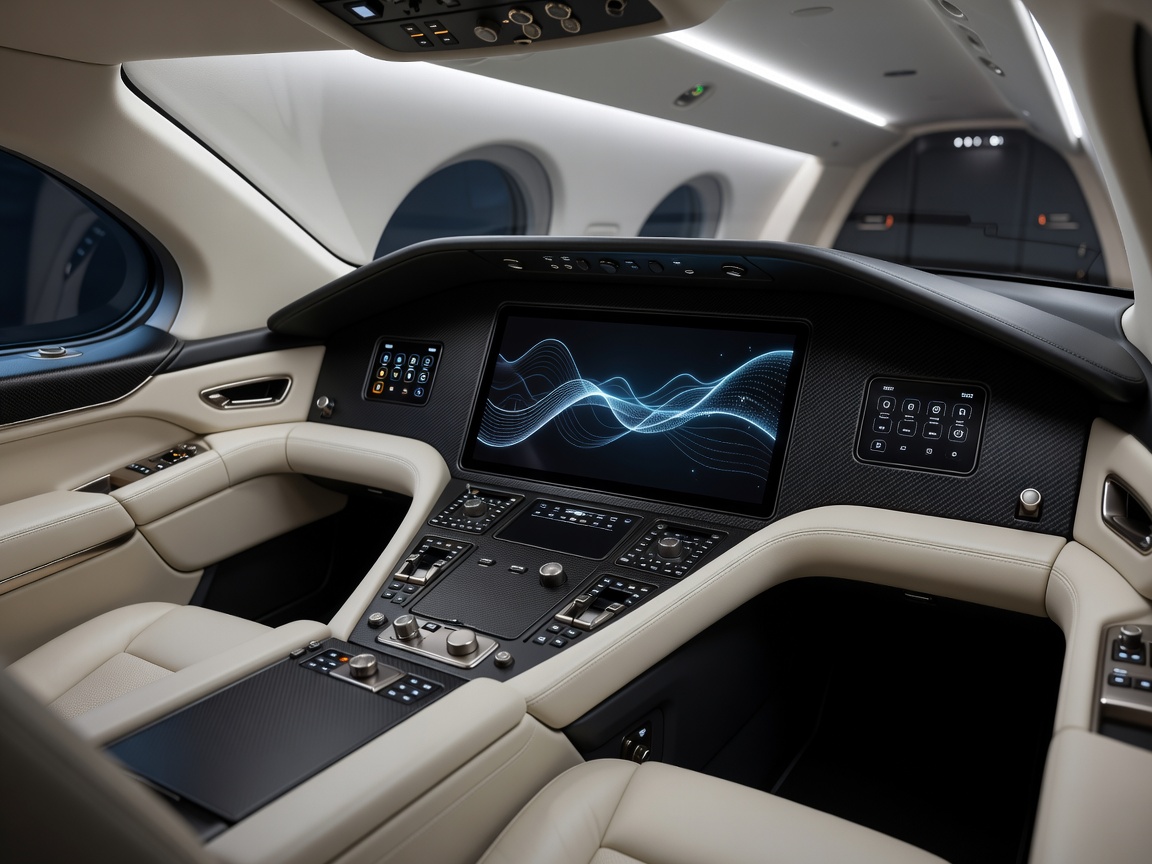
Built-in navigation may combine route guidance with vehicle-specific information. Connected services can offer traffic information, remote functions or other features, depending on the product and subscription. Ask how long services are included, what happens when a trial ends and whether the feature depends on mobile coverage. Route planning should remain understandable when a connection is unavailable or a journey changes.
Software updates may correct issues or change features. The update method and support period vary between vehicles and markets. Ask the manufacturer or retailer how updates are delivered, whether installation requires an appointment and what connected services collect. Review privacy settings and the vehicle’s current documentation before sharing account or location data.
Driver assistance is not autonomous driving
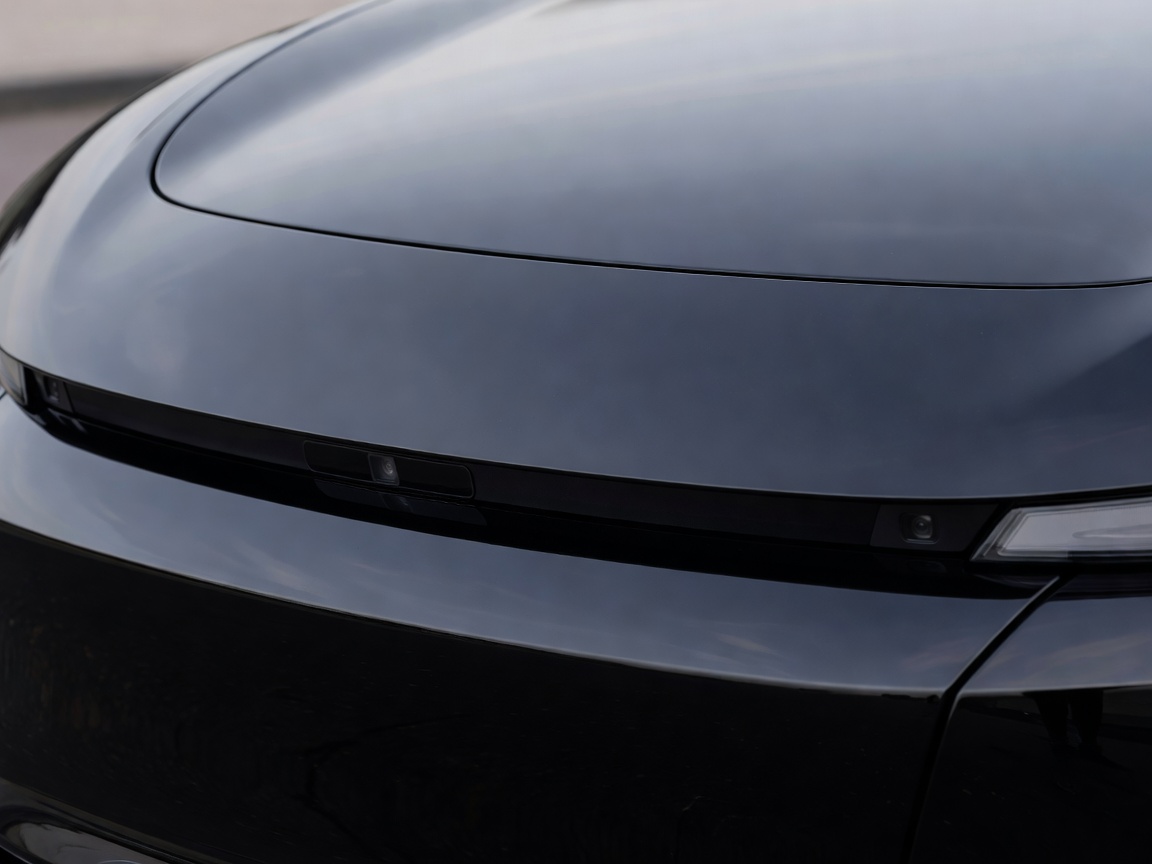
Parking assistance may use cameras, sensors or automated control to help with low-speed manoeuvres. Adaptive cruise control can help maintain a selected gap from traffic under specified conditions. Lane-support systems may provide warnings or steering assistance. Blind-spot monitoring can alert the driver to traffic in a sensor’s detection area. Driver monitoring, where fitted, may assess signs of attention according to the system’s design.
Names and capabilities differ, and availability can vary by trim, market and model year. These are assistance functions, not permission to stop paying attention. Sensors can be affected by weather, dirt, road markings, glare, curves or objects outside their operating range. The driver remains responsible for the vehicle and must follow the owner’s manual and local law. Do not assume that a feature makes a car self-driving.
Alerts, attention and trust
Helpful alerts are timely, understandable and proportionate. Too many warnings can become noise; unclear icons can make a driver uncertain about what the car is asking. During a demonstration, ask what each alert means, how it can be silenced or adjusted and whether the system returns to a default setting after a restart. Learn the system while parked, not while moving.
More features do not automatically create a better ownership experience. A dependable physical control may be easier than a screen menu; a well-calibrated warning can be more valuable than several overlapping alerts. Evaluate whether technology suits the driver and routes rather than counting features.
Technology evaluation checklist
- Confirm feature availability on the exact trim, market and model year.
- Try everyday interface tasks while parked and assess readability.
- Check phone compatibility, subscriptions and connected-service duration.
- Ask how software updates are delivered and supported.
- Read the manual for sensor limits, warnings and system boundaries.
- Review privacy controls, location settings and account requirements.
- Consider whether each feature genuinely reduces effort or distraction.
Privacy and sensible use
Connected vehicles may process account, location, usage or diagnostic information to provide particular functions. The data involved depends on the service and configuration. Read the vehicle maker’s privacy information and decide which connected features you want to activate. If you sell or return a vehicle, follow the manufacturer’s steps to remove accounts and personal information.
Technology should make the vehicle easier to understand, not replace a driver’s judgement. Familiarise yourself with controls before setting off, keep attention on the road and treat assistance as support within stated limits. When in doubt, consult the owner’s manual or the vehicle manufacturer.
Good to know
Equipment names, functions and availability are not consistent across manufacturers. Verify details for the precise vehicle and market; never rely on a feature label alone to infer capability.